Why Use This Tool?
We often want to place sounds on decor objects in the world to bring a virtual place to life. This is easy in Unreal if said objects are Blueprints, but more often than not for optimization purposes, these objects are simply static meshes with no way to directly add audio to them. With this tool, you can automate the process of creating audio emitters at the same position as said objects in the level.
- Easily define the sound of every object: With definition assets you can easily maintain a list of what each object in the game should sound like.
- Keep track of level changes: Each emitter remembers what static emitter it was linked to, so if the level changes, the tool will help you fix any issues.
- Easily find all of your audio sources: The tool will name all actors created in a practical way that lets you easily see at a glance what your audio emitters are.
How It Works
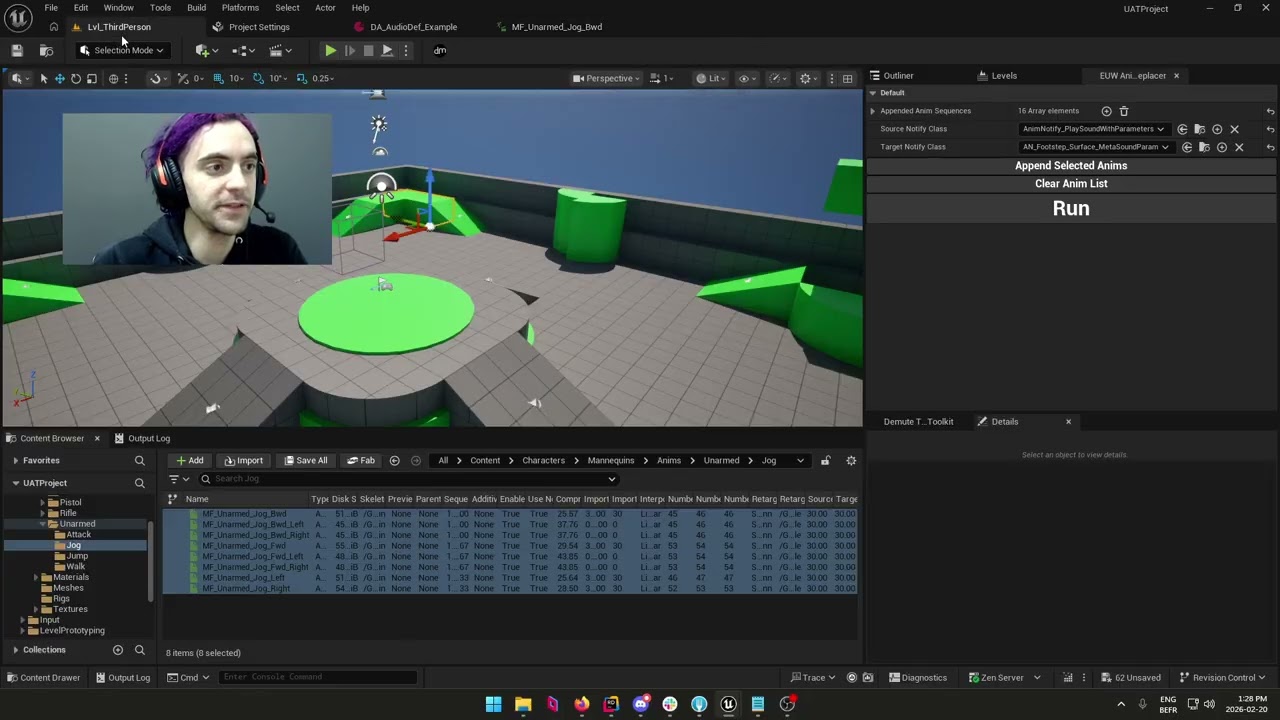
This Unreal Widget will iterate through a map of static mesh and their corresponding audio asset and then create an audio emitter actor wherever it finds that static mesh in the currently open level. That actor will also keep a link to the static mesh and its position at generation time so if the static mesh moves, the tool will report it.
- Audio Definitions Assets: Store save and easily edit the map of static mesh and sounds in Unreal assets that can be shared and versioned.
Compatible with custom actor classes: The tool uses a lightweight Actor Class BP that can be easily derived from to implement your own audio playback, optimization or loading strategy.