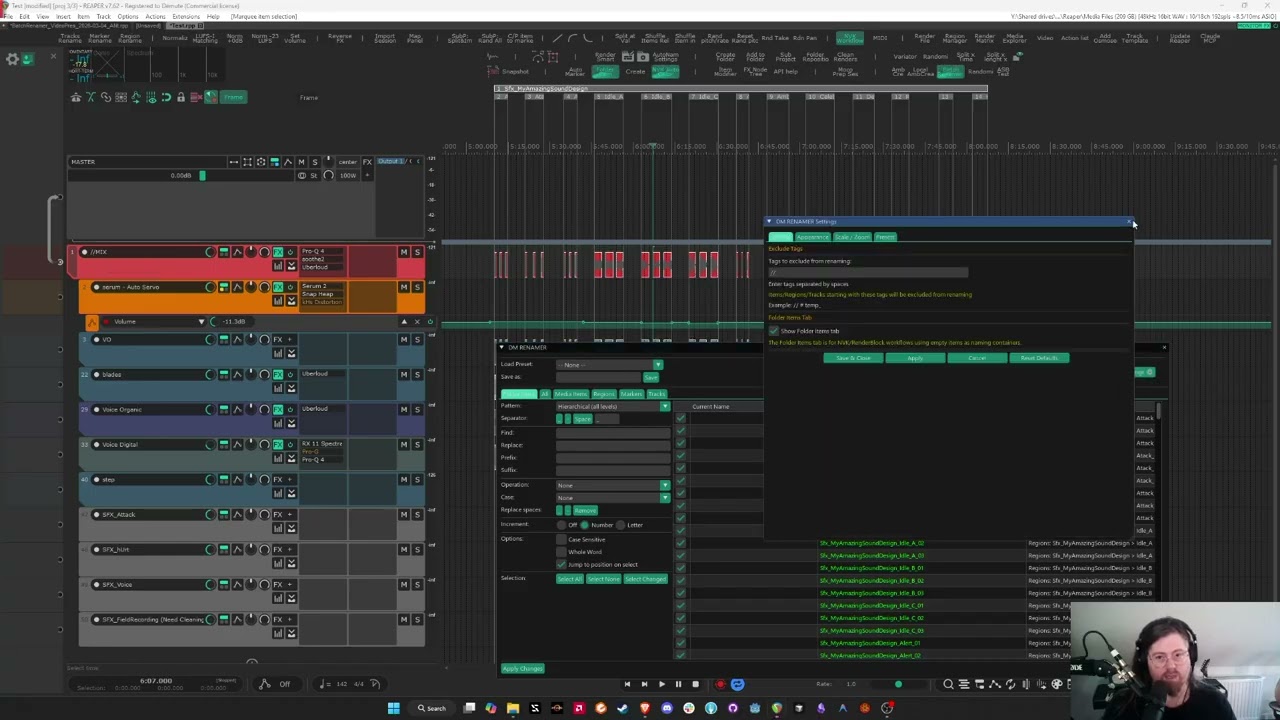
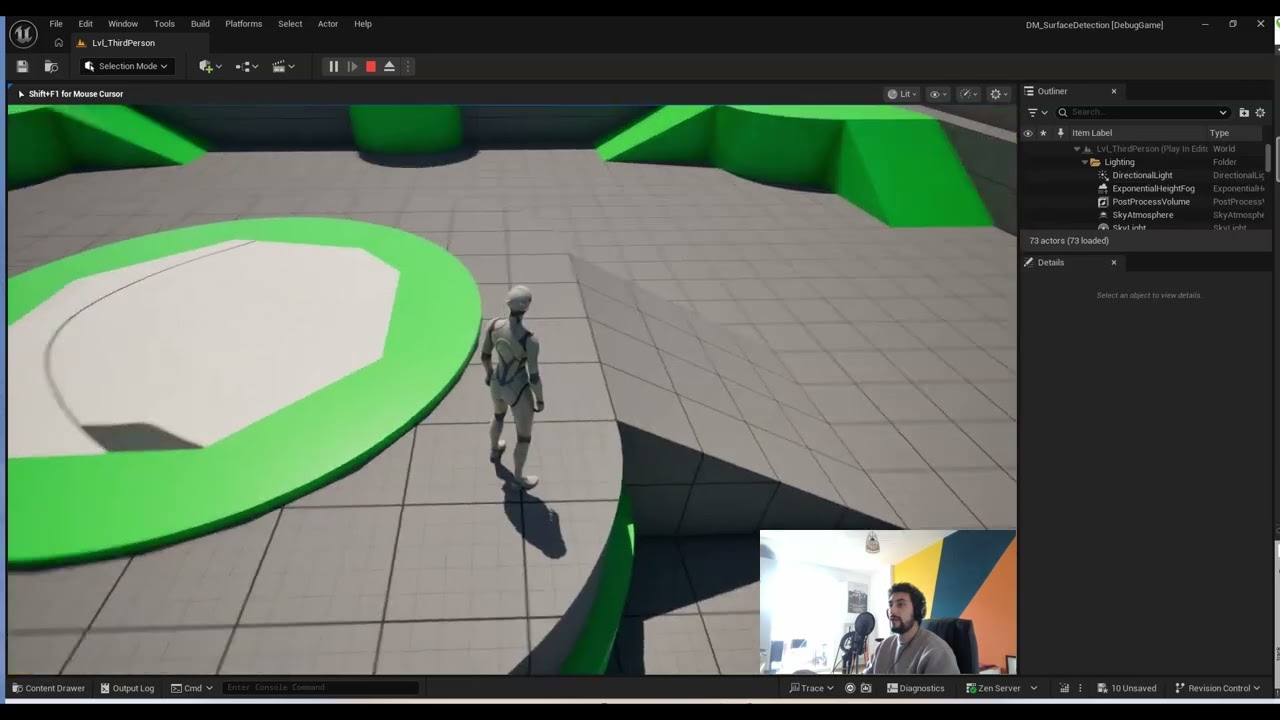
The Unreal Audio Visualizer is an Unreal Editor Utility Widget to easily visualize in PIE audio components and audio volumes.
Why Use This Tool?
Even though there are already some console commands to visualize audio components in Unreal, they are often impractical to use and don’t offer information about audio volumes. This tool solves this by creating an easy to use interface with some practical settings.
- Filter visualized components by text or distance: You can easily focus on visualizing what is important to you with some simple filtering.
- Visualize audio volumes: No more guesswork when trying to understand why a certain reverb is being applied.
- Choose your own components/actors: You can choose in the tool which components and actors you want to visualize, letting you use the tool even if you use a middleware or your own audio implementation.
How It Works
This widget simply iterates through the actors currently loaded in PIE and draws debug spheres, strings and materials to visualize a subset of those.
- Easily extendable: You can edit the widget blueprint to use any type of actor and component.
- Respects priorities: The audio volume information on screen takes into account the priorities of the volumes.