




The Unreal Audio Visualizer is an Unreal Editor Utility Widget that helps tech sound designers visualize audio components and audio volumes while playing in the editor in Unreal.
The widget will visually show on screen all audio components in the scene and all audio volumes. It also has name and distance filters to help filter through the visual noise and get more relevant information.
Additionally, the tool also has some advanced settings that let you choose which class to use for the visualization, making it compatible with any audio framework in Unreal.
It has been tested on Unreal Engine 5.7
The Unreal Audio Visualizer is part of the Unreal Tech Audio Toolkit plugin, so follow the installation instructions here.
Through the Unreal Tech Audio Toolkit plugin window, open the Audio Visualizer.
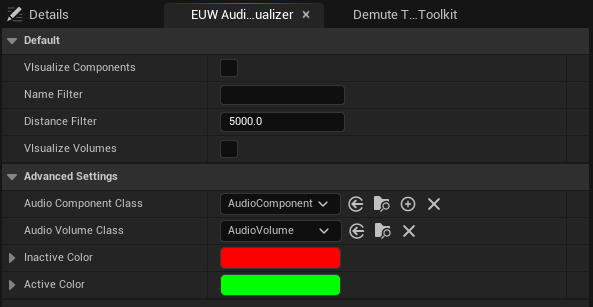
If you toggle Visualize Components and press play, a visual representation of audio components will appear in the Viewport.
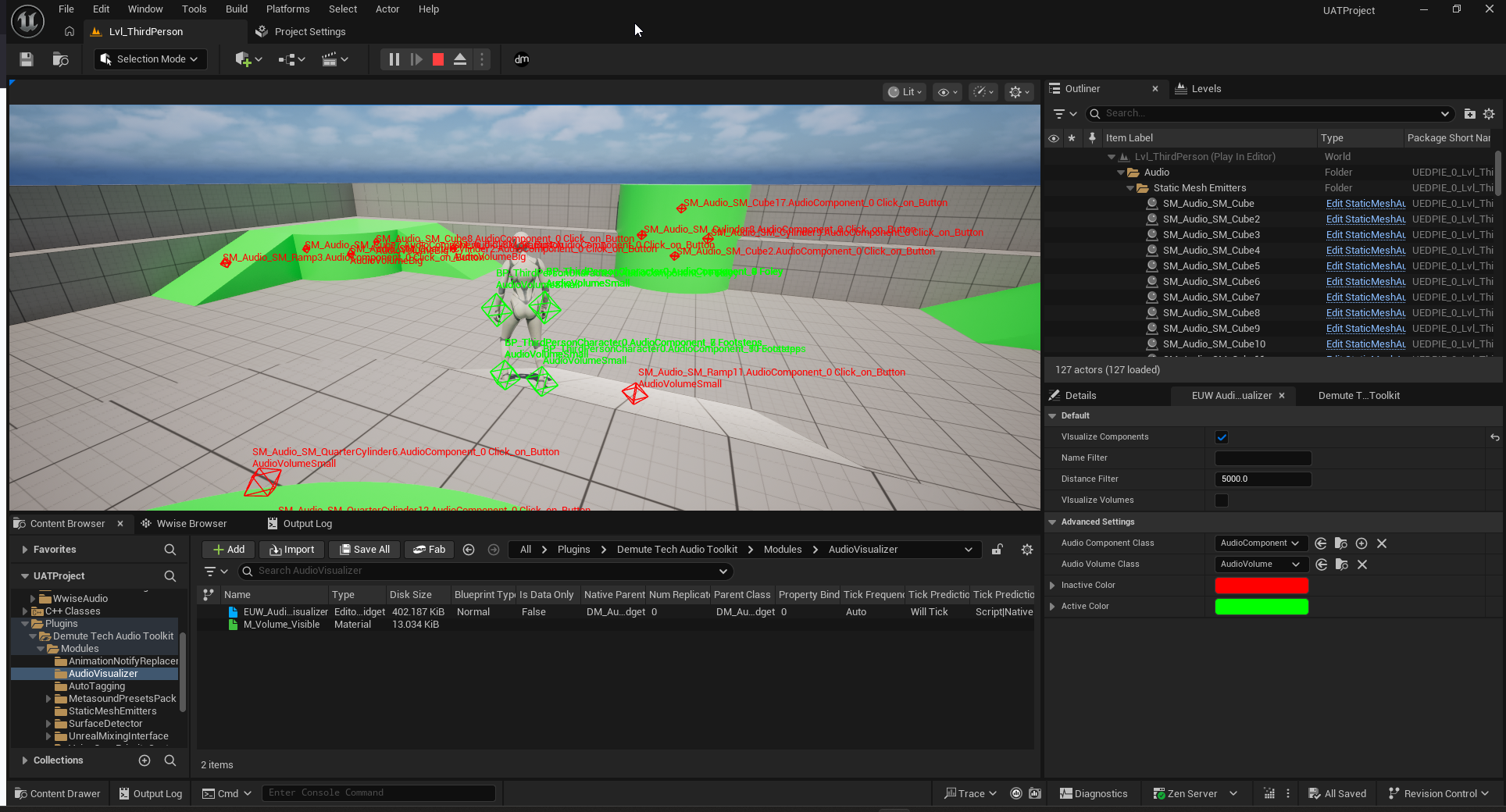
You can then filter these by using the Name Filter field or the Distance Filter field.
Each octahedron on screen represents one audio component. Its color will change to show whether it is currently playing a sound or not. Above it, the text will display the full name of the component and also the current audio volume that the component is in.
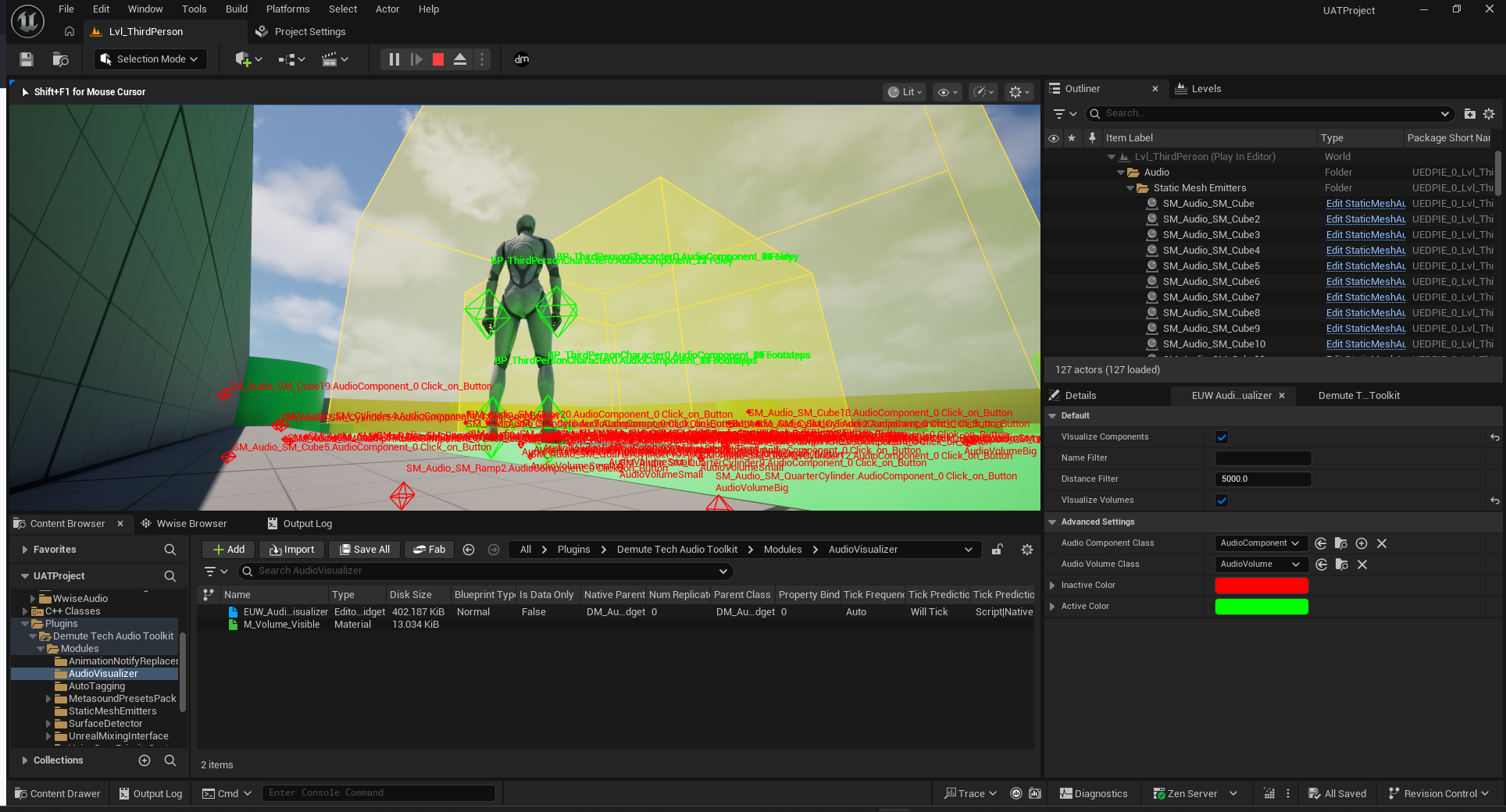
To visualize said audio volumes, you can toggle Visualize Volumes. This will show with a yellow outline the audio volumes present in the level.
Your project might be using other classes for its audio objects, for example if you are using a middleware. To change which type of object the visualizer will use, simply select the type in the advanced settings of the widget.
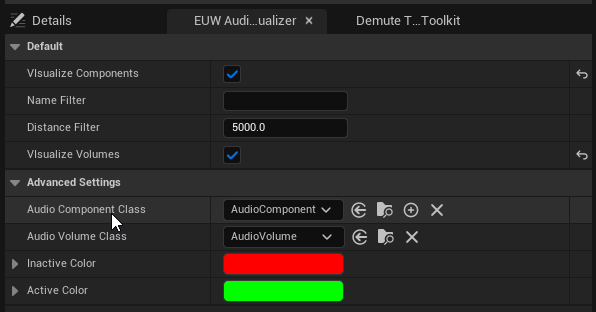
However, our visualizer also needs to know some information about these objects, namely if it is currently playing and the priority of an audio volume.
To get this information, the widget uses two methods : GetIsPlaying and GetVolumePriority.
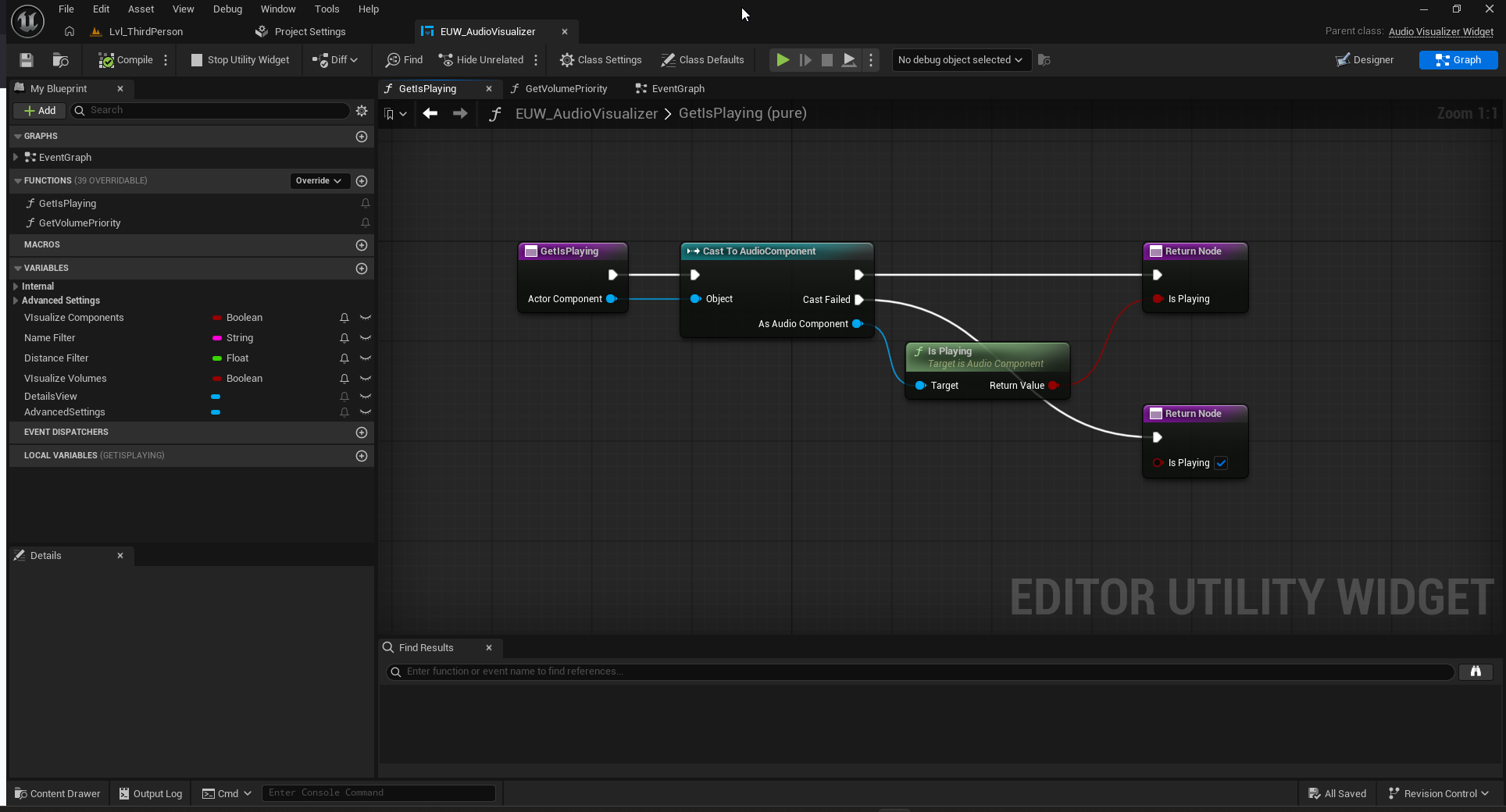
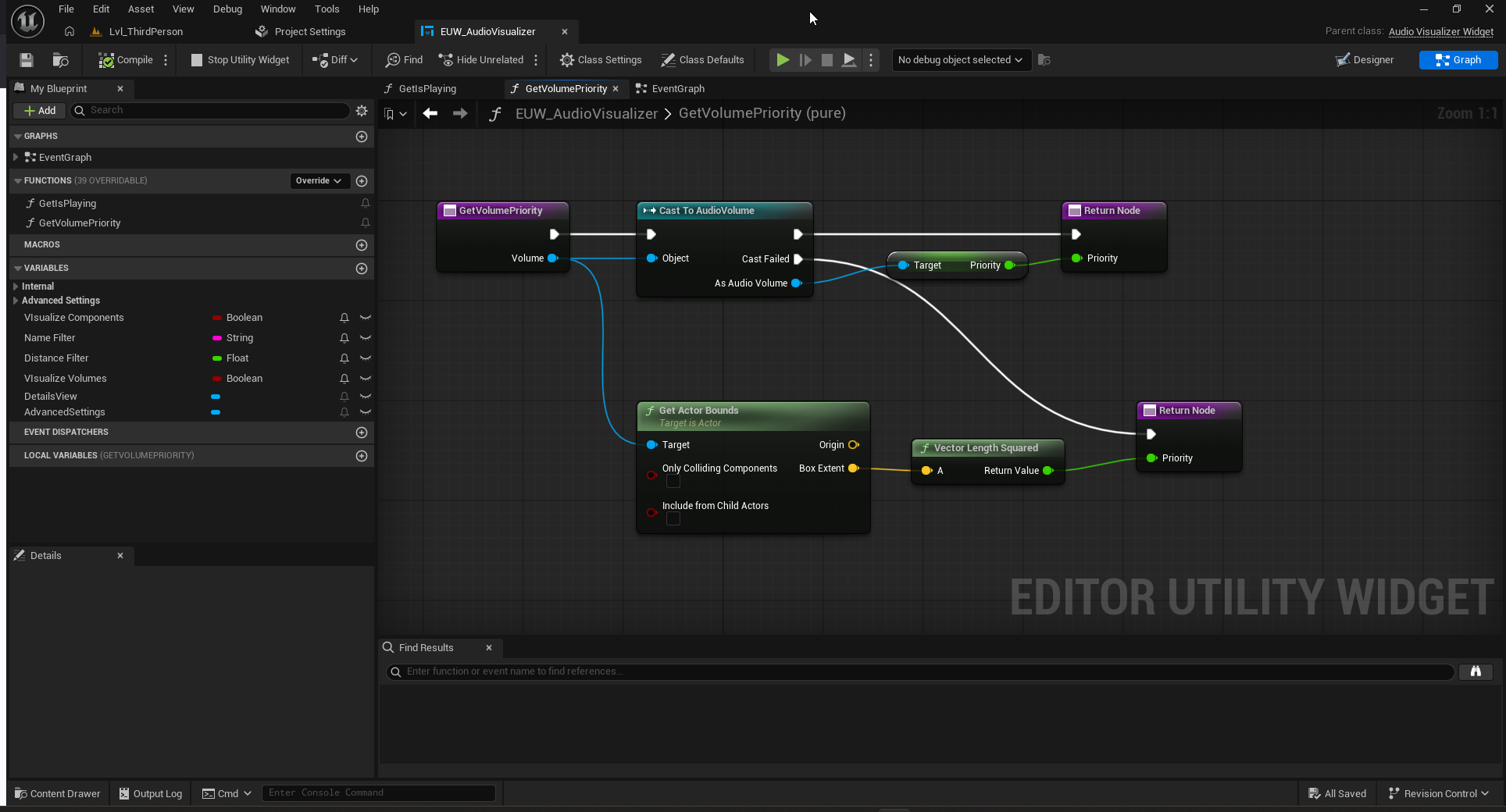
Therefore, if you change the classes for the audio component and the audio volume, you would need to extend these methods to get the information from the new type.
1.0 - Initial version